How It Works

Get Started in 4 Simple Steps

From signup to your first invoice in under 15 minutes. No complex setup, no training required — just start running your business.

Quick Setup

Up and Running in an Afternoon

Most users send their first invoice within 15 minutes of signing up.

1

Set Up Your Company

Add your company name, address, and VAT number. Upload your logo and choose your brand colors — your invoices will look professional from day one.

2

Add Your Clients

Import your existing customers or add them one by one. Their details, VAT numbers, and preferred language are stored once and used everywhere.

3

Send Your First Invoice

Create a branded invoice in under 2 minutes, send it via email, and track when your client opens it. Payment reminders are automatic.

4

Track Everything

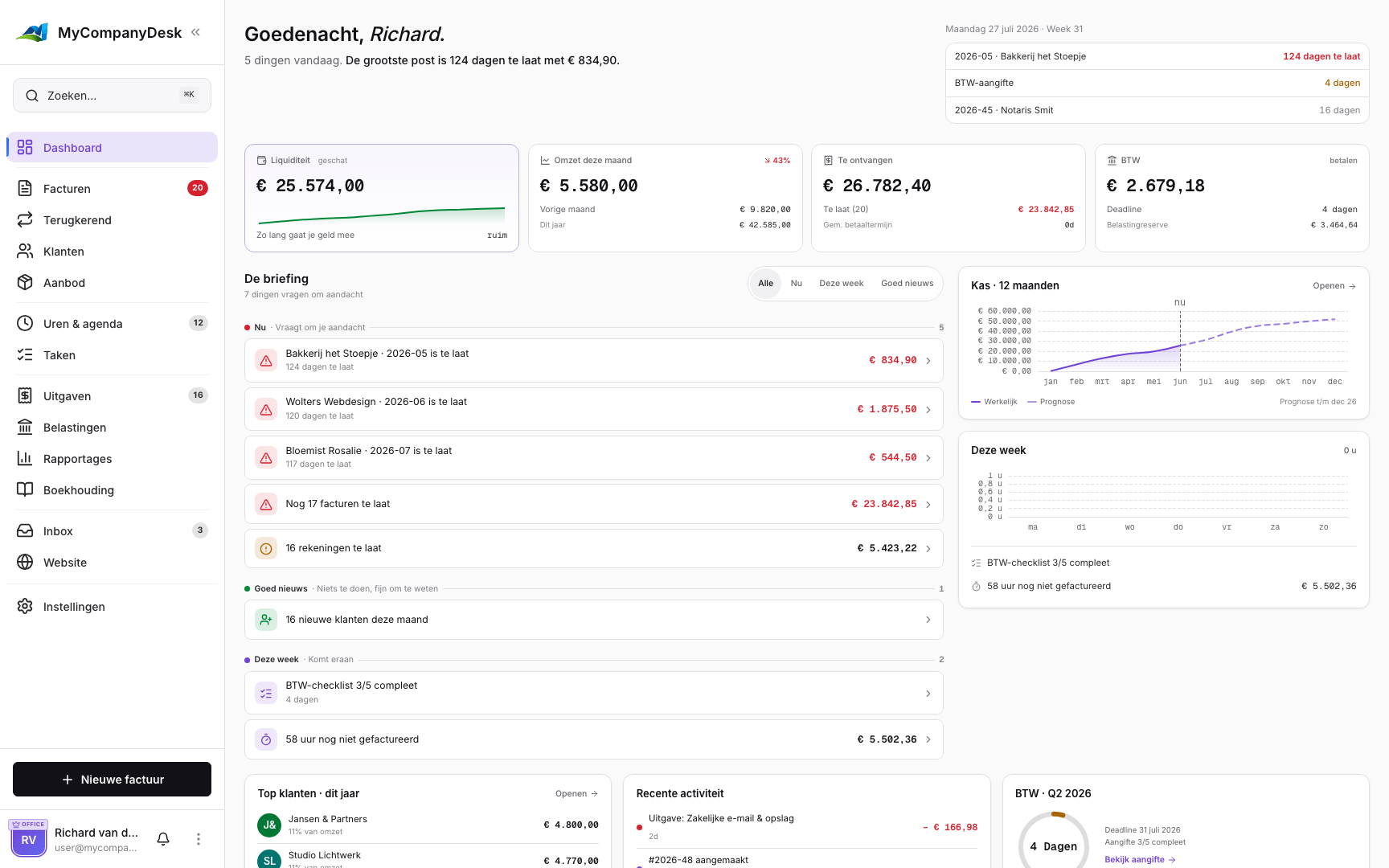
See your revenue, expenses, and VAT obligations in real-time dashboards. Export reports for your accountant with one click.

Daily Operations

Then It Just Works

Once you're set up, MyCompanyDesk handles the repetitive work so you can focus on your clients.

Automatic Payment Reminders

Never chase a client again. MyCompanyDesk sends payment reminders automatically so you get paid without the awkward follow-ups.

Team-Ready from Day One

Invite team members with the right level of access. Finance sees everything, operations sees what they need. Scale your team without scaling your admin.

Everything Linked Together

Every invoice, quote, expense, and time entry is connected. Click on a customer and see their entire history — nothing gets lost.

Implementation

Your First Week with MyCompanyDesk

Here's what a typical onboarding looks like. Spoiler: it's faster than you think.

Day 1: Foundations

Create your account, add your company details, and upload your logo. Customize your first invoice template.

Day 2: Import Data

Add your clients, configure VAT rates, and set up your preferred currency and language.

Day 3: Start Invoicing

Send your first invoices, set up recurring billing, and turn on receipt scanning.

Day 4+: Optimize

Review your dashboard, export your first report, and explore time tracking and quotes.

Ready to Send Your First Invoice?

Sign up free and send your first professional invoice in under 15 minutes. No credit card, no commitment.